Context
University Project
Timeframe
Three Months
My Role
Interaction Design
Implementation
User Testing
Team
Andrea De Carlo
Gabriele Tangerini
Lucrezia Di Bari
and me
Introduction
Maestro is a multisensory interactive system for musical exploration that combines visual, auditory, and haptic feedback to create an immersive "music-making" experience.
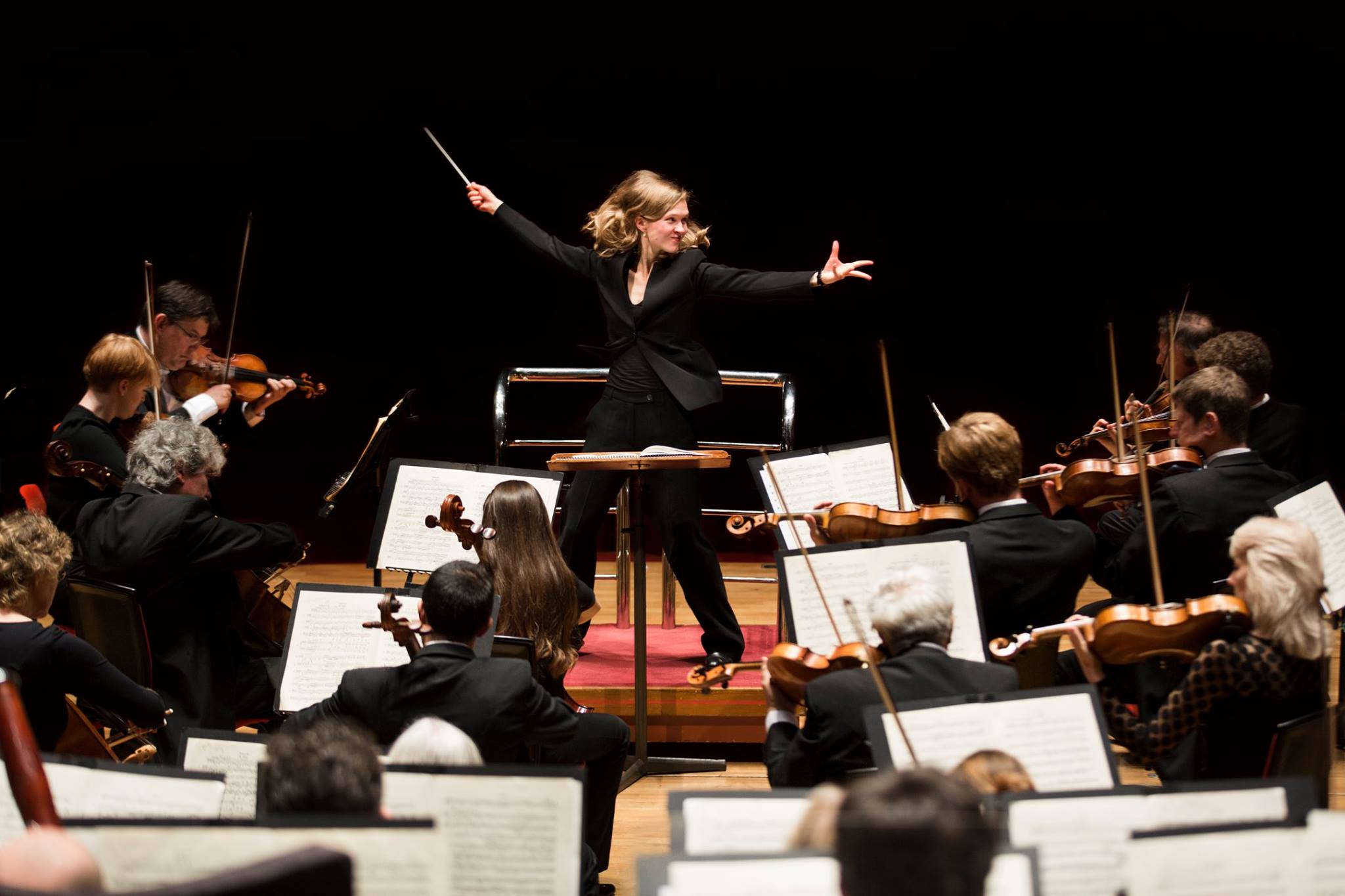
The system is designed as a gestural controller inspired by the techniques of orchestra conductors, while also being primarily aimed at people with little to no musical experience.
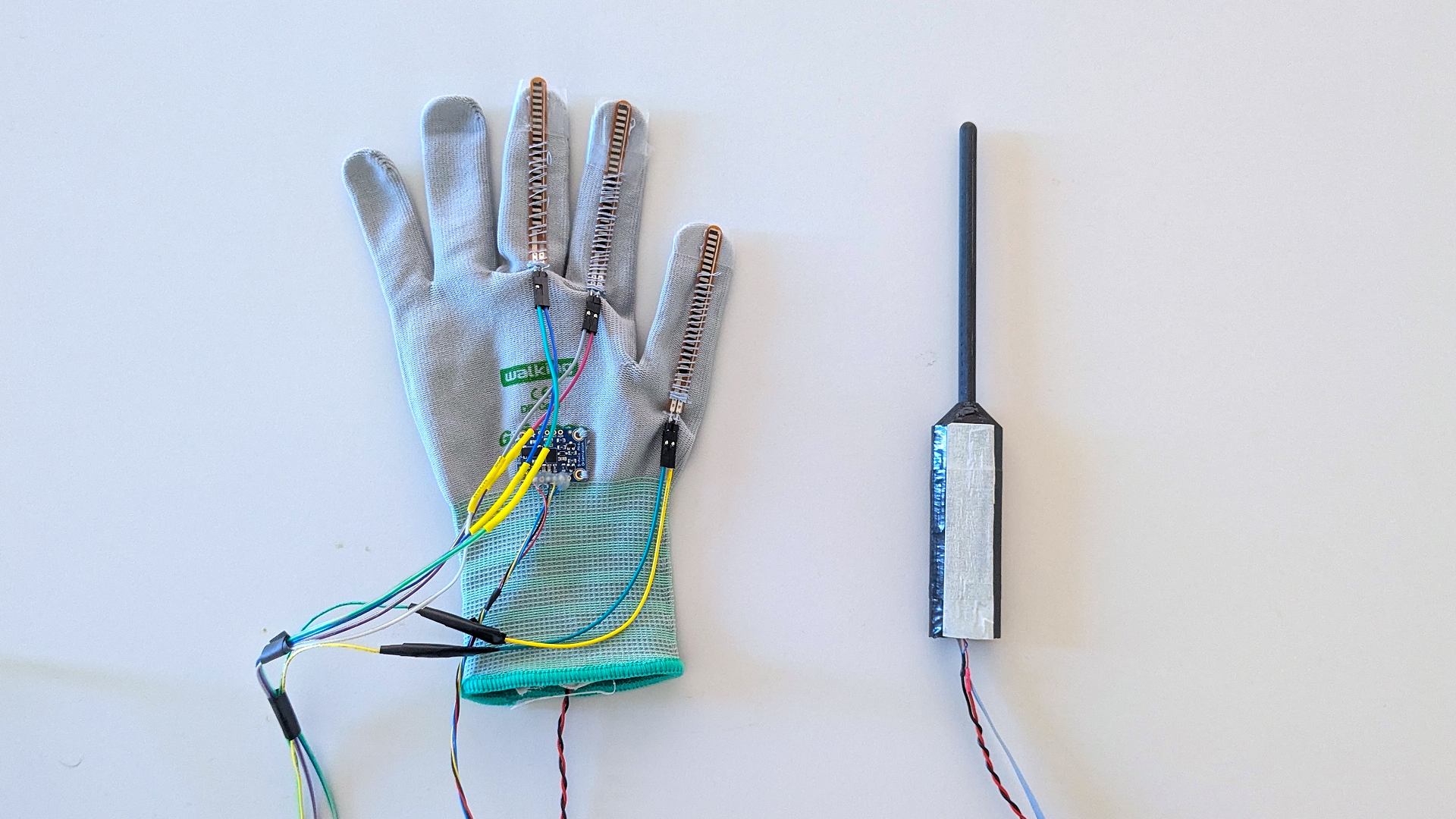
Maestro's controllers
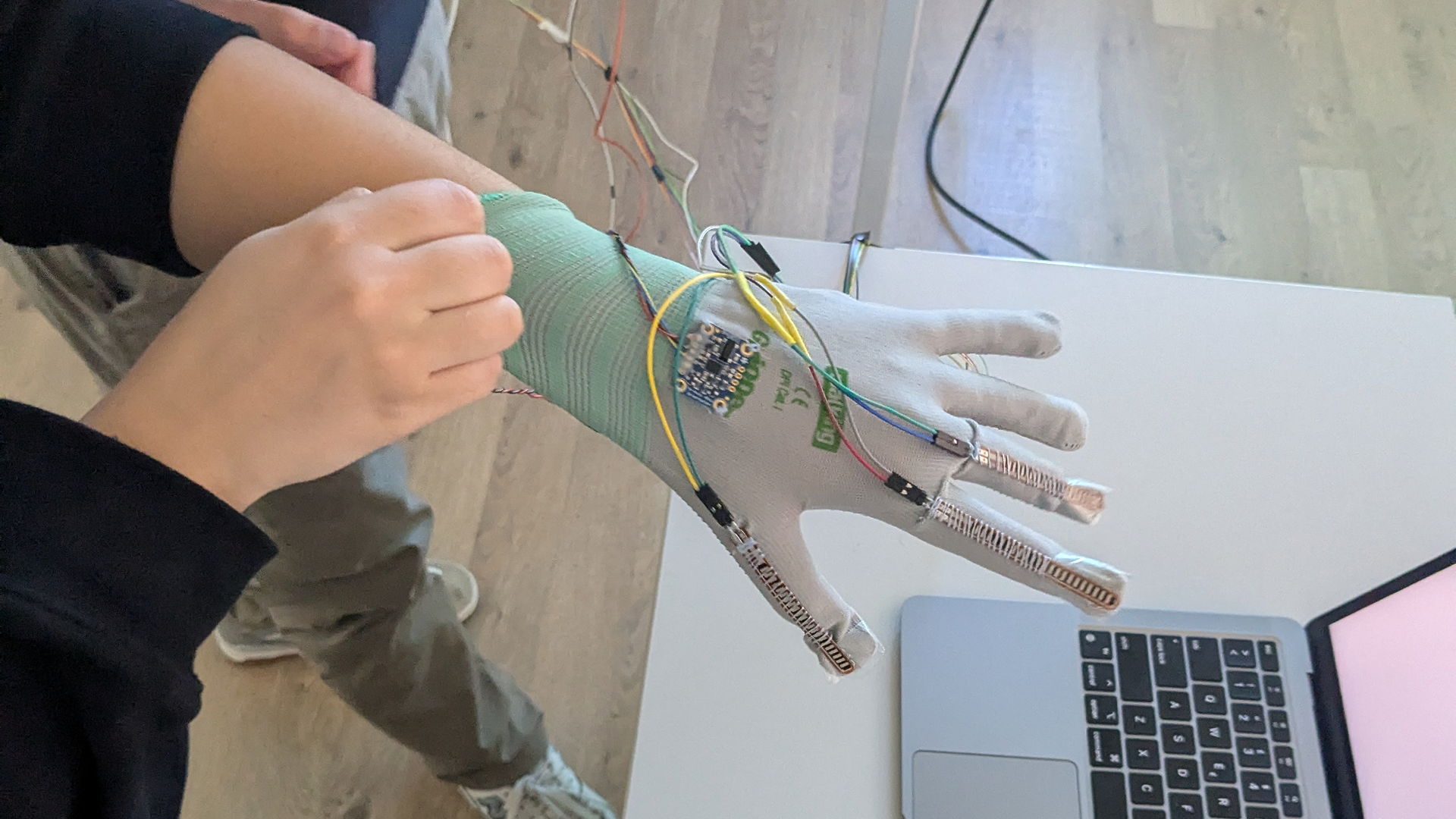
Users wear a glove on their left hand and hold a baton in their right, allowing them to control the system entirely through gestures.
Vibration motors are embedded in the controls allow for haptic feedback, a graphical user interface is projected in front of the user, and music plays through a speaker, creating a multimodal interaction that combines visual, auditory, and haptic responses.
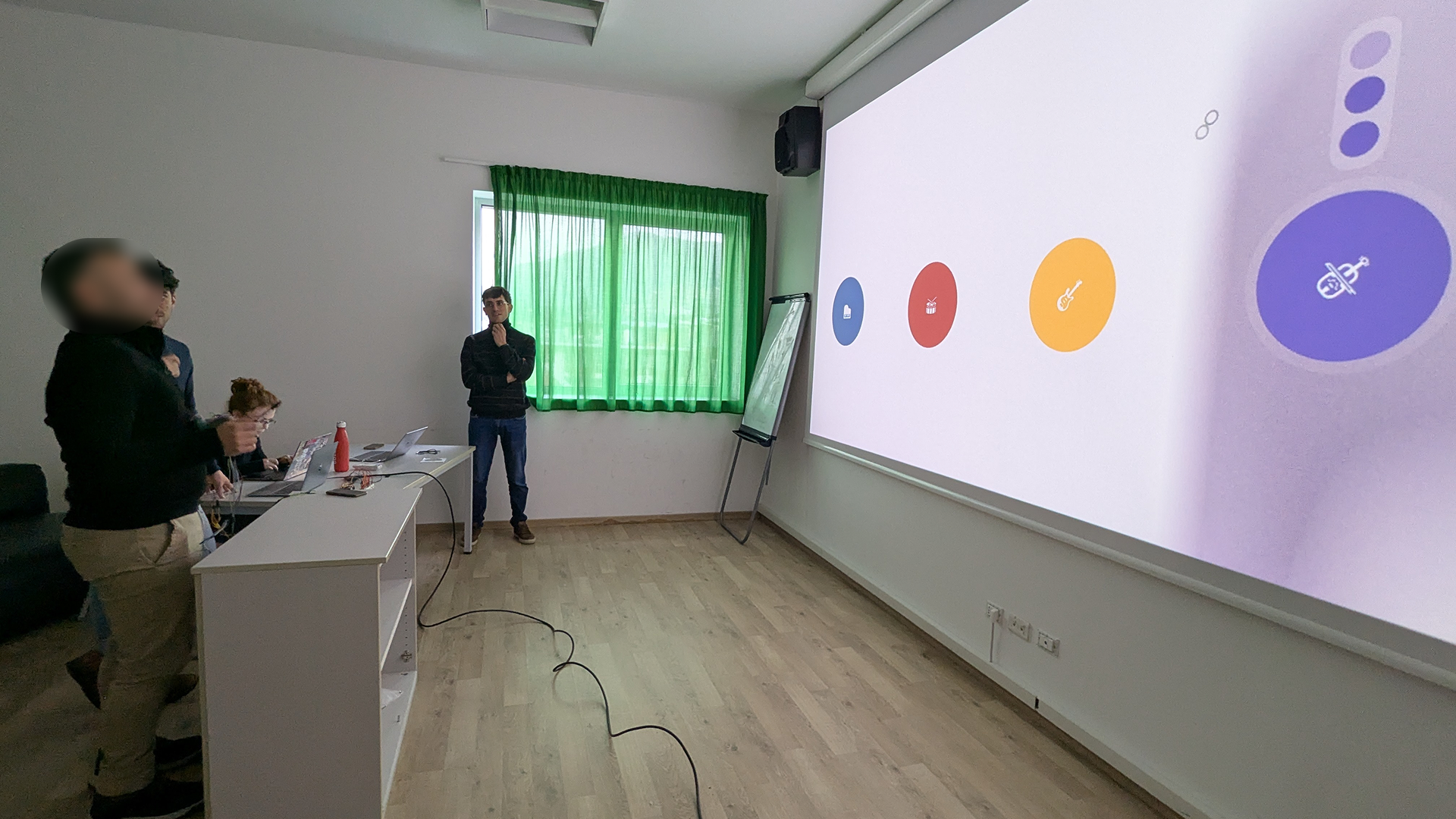
Testing the system
Interaction Model
In the prototype we developed, users are able to create compositions by combining music from four instruments.
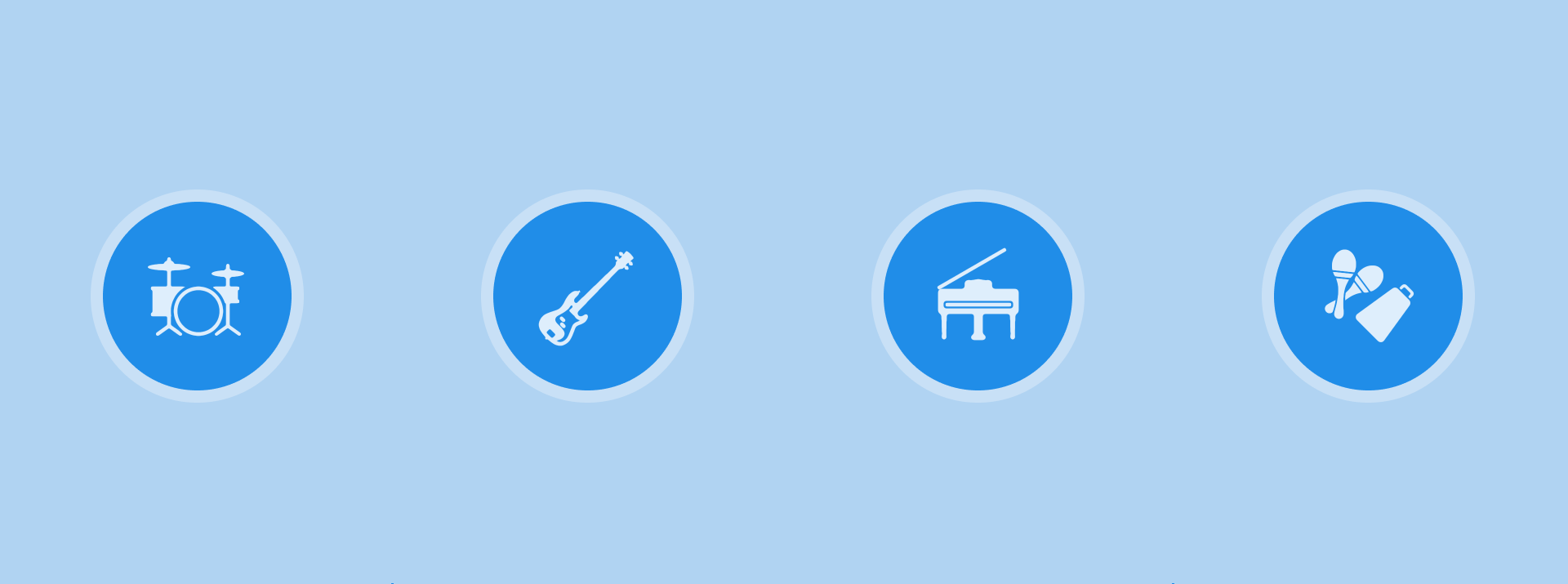
The user can control four instruments
Each instrument can play at three intensity levels
Users can point at an instrument to with their index finger to change the intensity level at which it is playing.
When the user opens their hand again, the level selection is confirmed.
Implementing instrument selection as pointing, mimics the way in which engage with musicians in an orchestra.
When the user opens their hand again, the level selection is confirmed.
Closing the hand into a fist, while pointing at an instrument will silence that instrument, and doing it in the air, will silence all instruments.
The baton is used for controlling the tempo: by moving it up and down keeping a certain beat the instruments will react, and change their tempo to the BPM given by the user.
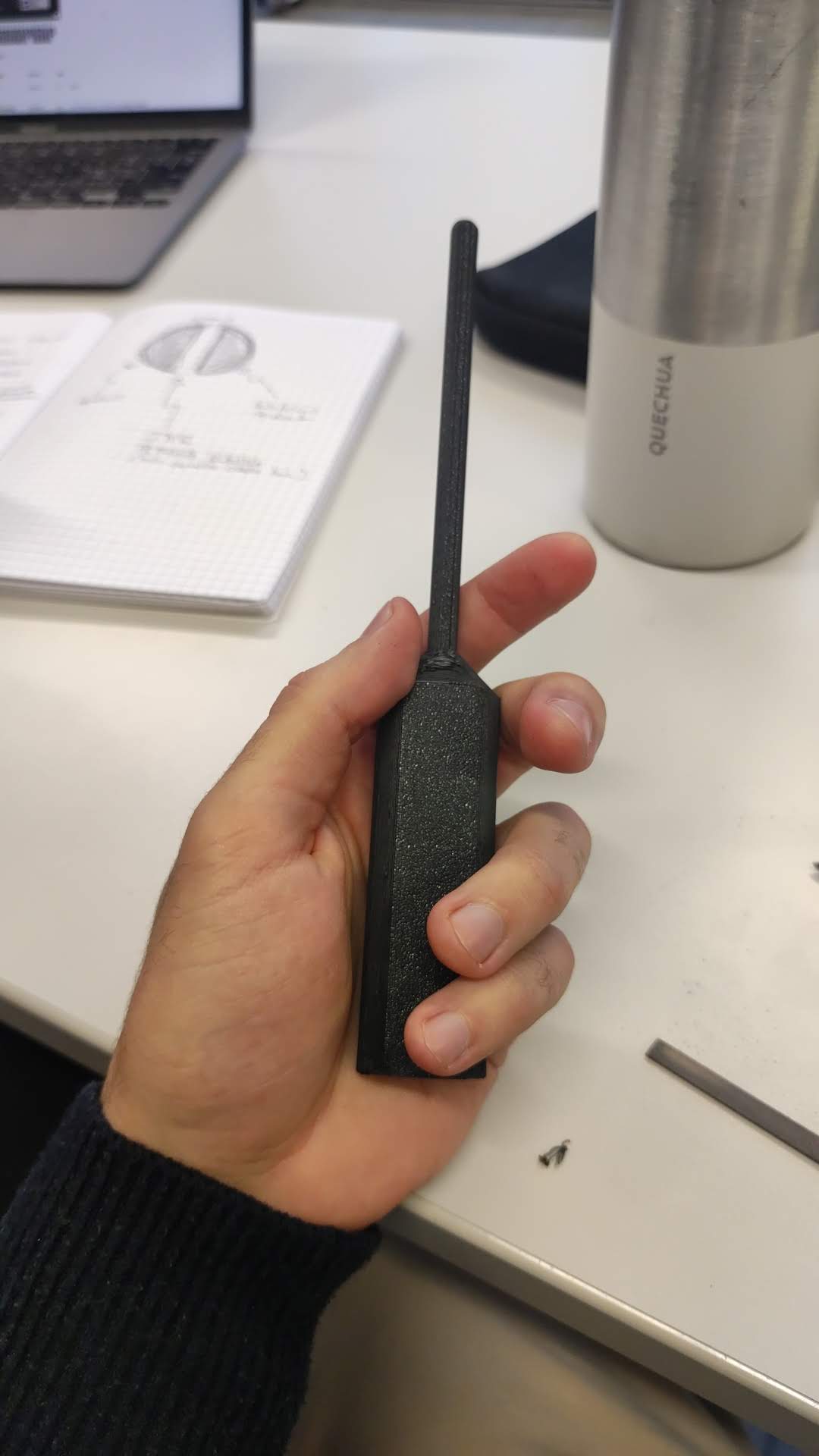
The 3D printed baton
Particular care was put is designing the haptic feedback in such a way that assisted the user in controlling the interface.
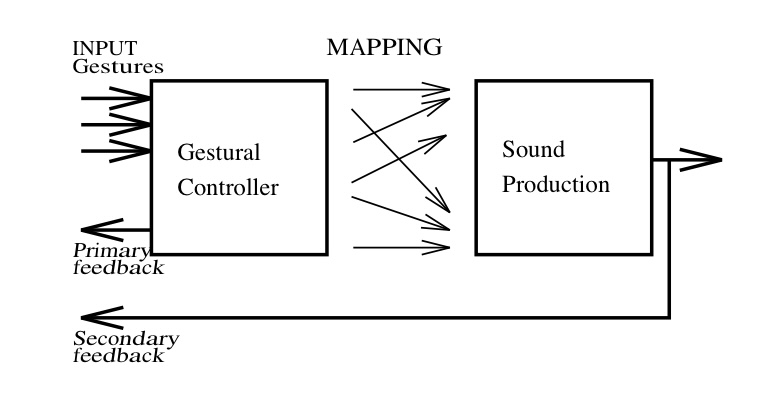
Digital Musical Instrument model from Miranda (2006)
How it Works
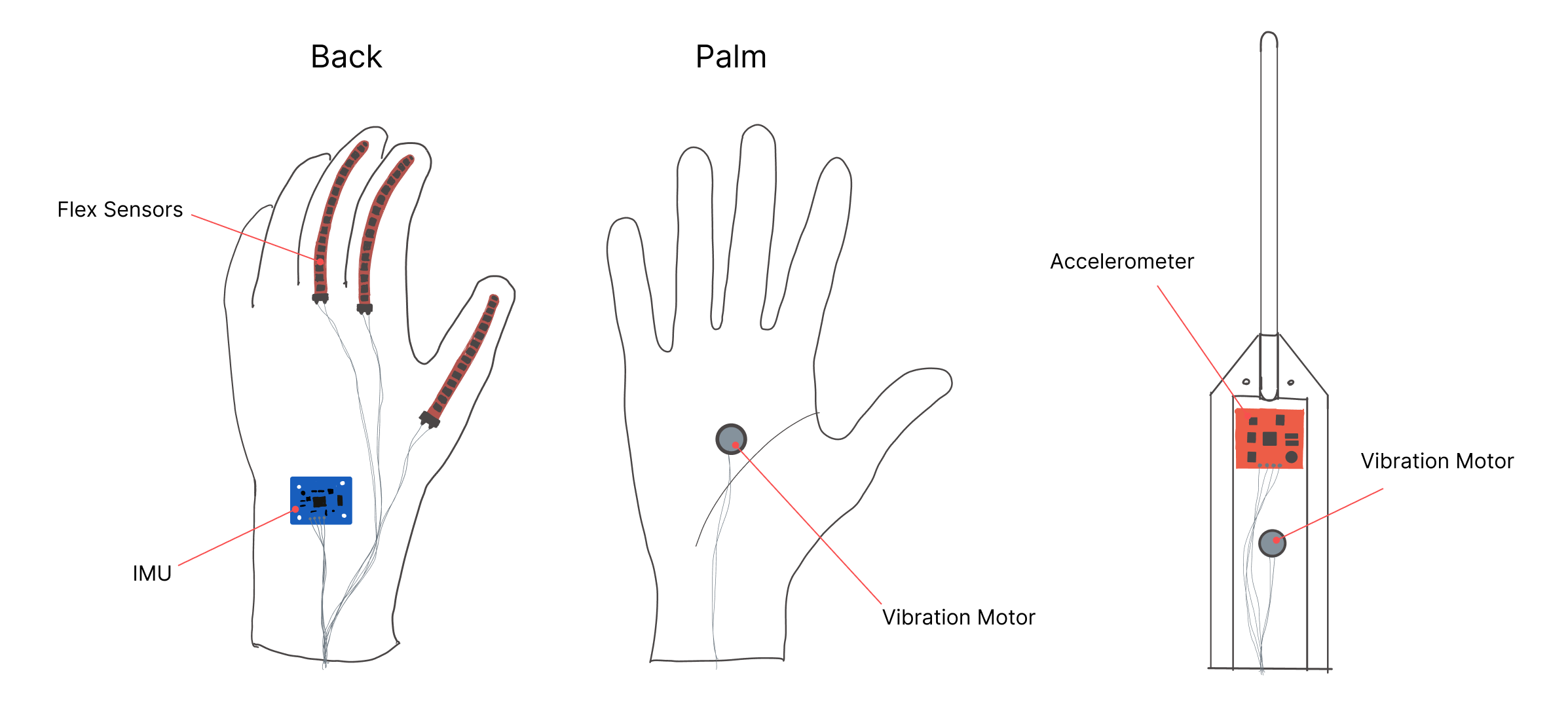
Annotated sketches of the controllers
The hardware of the system is composed of two elements: a glove and a baton.
The glove, when worn by the user, is able to understand gestures thanks to a series of flex sensors, sewn onto the fingers of the glove, that allow us to detect how much each finger is bent.
The glove is also able to understand where in space the user is pointing their hand, thanks to an IMU (Inertial Measurement Unit). This unit provides gyroscope data (giving us the orientation of the hand) and magnetometer data (telling us the direction the user is pointing relative to the environment).
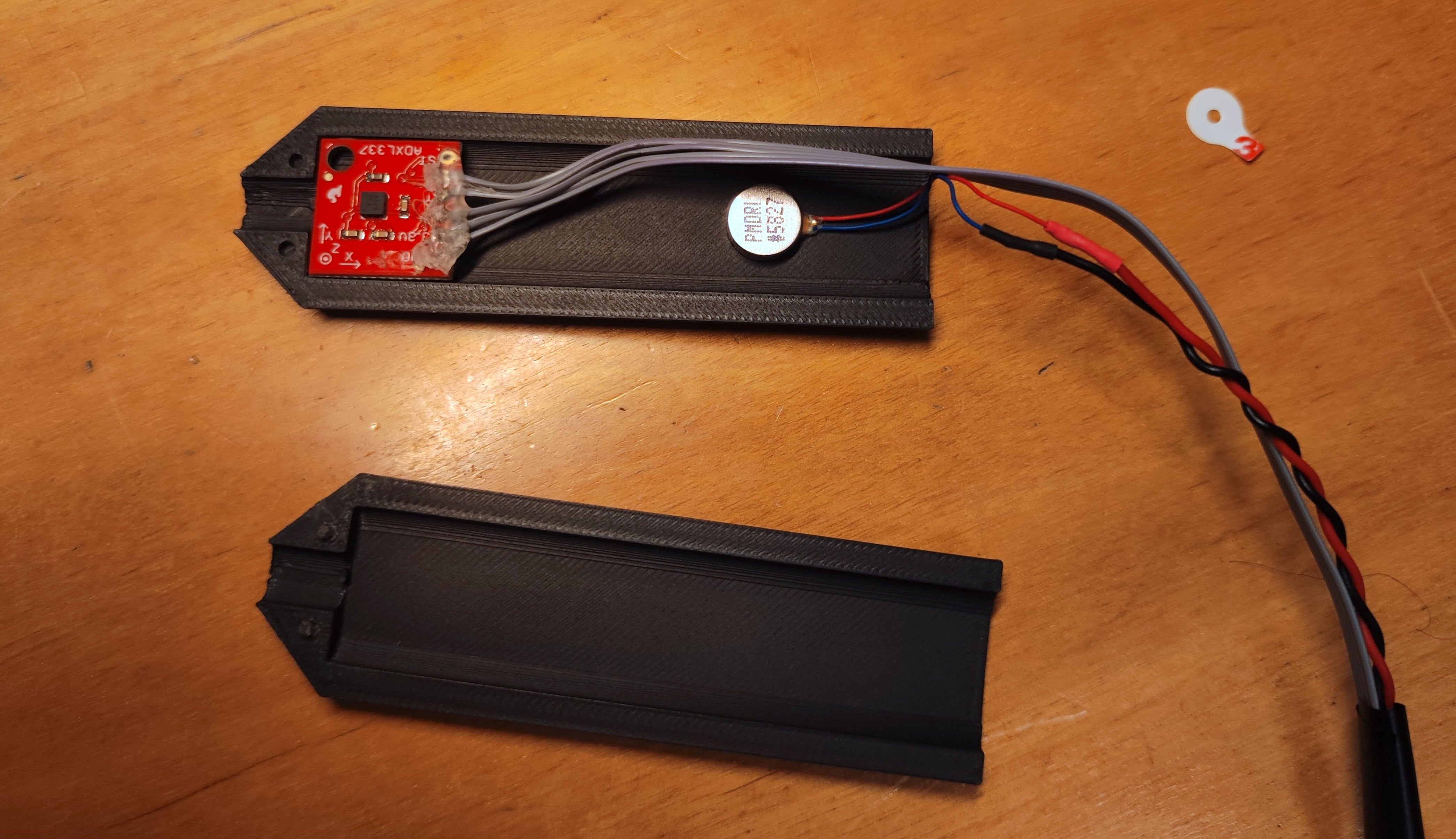
Components inside the baton
The baton is simpler: it houses an accelerometer from which, using some clever algorithms, we detect peaks in acceleration that are then turned into beats. While simpler on the surface, this functionality required a lot of fine-tuning to get it to work correctly.
Full Report
References:
1. New Digital Musical Instruments: Control and Interaction Beyond the Keyboard - Eduardo R. Miranda